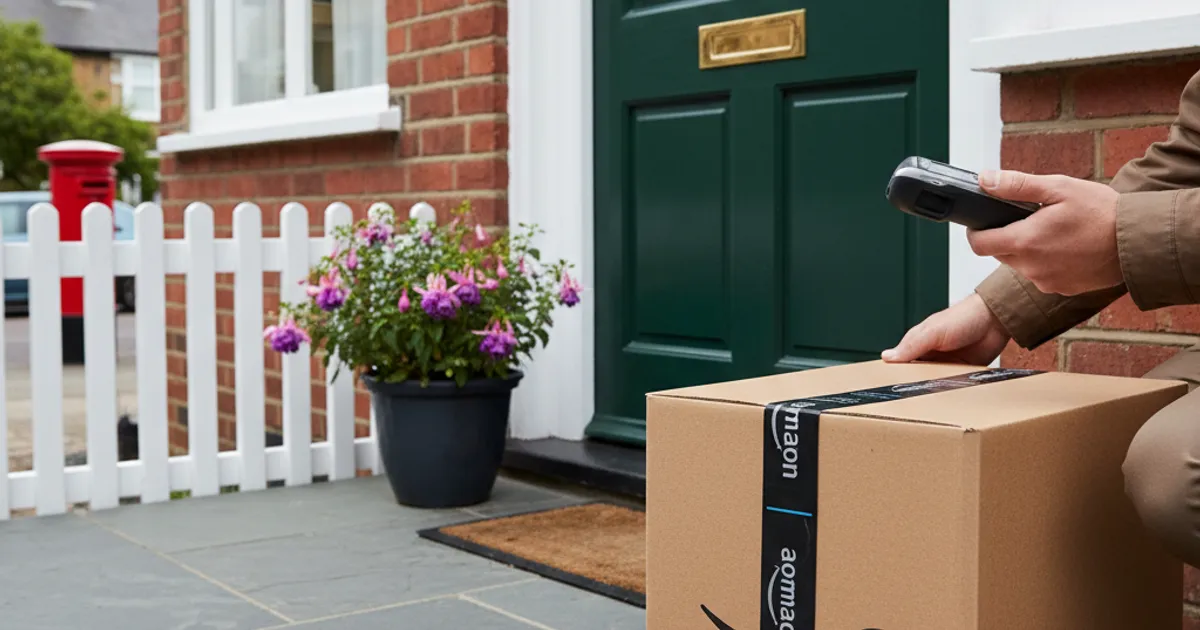

"Your account has been compromised. Click here to secure it immediately."
Your heart rate spikes. You click. You enter your password. And just like that, you've handed your credentials to an attacker.
This is phishing — and it works because it exploits how humans react to fear and urgency.
What is Phishing?
Phishing is social engineering through email. Attackers craft messages designed to make you act without thinking — usually by creating fear, urgency, or curiosity.
The goal is almost always the same: get you to click a link and enter your credentials on a fake website.
The Anatomy of a Phishing Email
Every effective phishing email has these components:
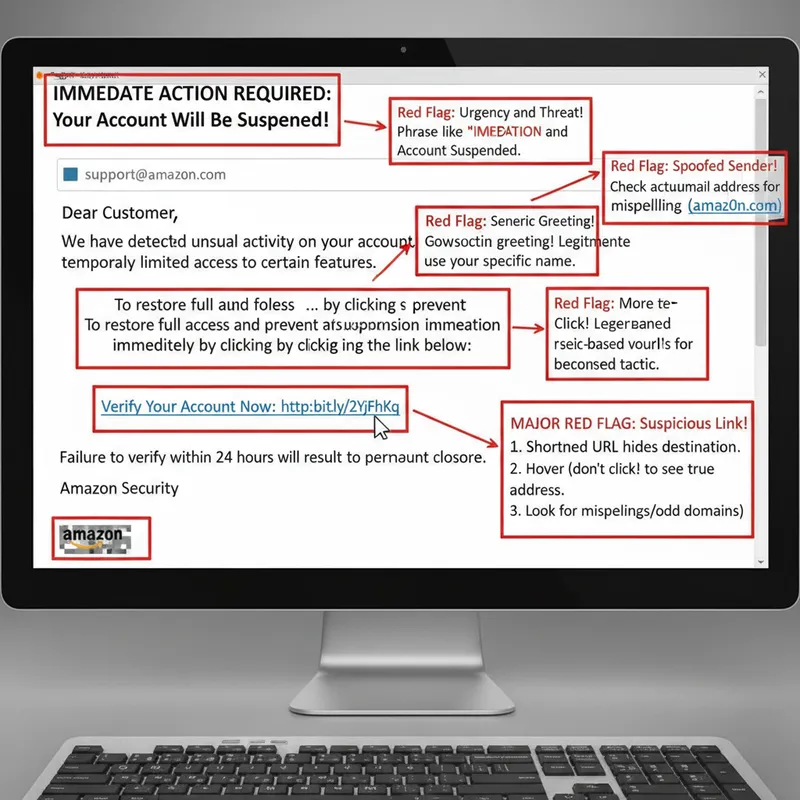
1. A trusted sender (spoofed) The email appears to come from Amazon, your bank, Netflix, or Microsoft. The "From" name looks right, even if the actual email address doesn't.
2. An urgent problem
- "Your account will be suspended"
- "Unusual sign-in detected"
- "Payment failed"
- "Verify your identity now"
3. A call to action A button or link that takes you to a fake login page.
4. A convincing landing page A near-perfect copy of the real website, designed to capture whatever you type.
Why Phishing Works
Phishing exploits psychology, not technical vulnerabilities:
- Fear — "Your account is at risk"
- Urgency — "Act within 24 hours"
- Authority — Appears to come from a trusted source
- Curiosity — "Someone shared a document with you"
When you're scared or rushed, you don't examine links carefully. Attackers know this.
How to Spot Phishing Emails
Check the sender's actual email address Not the display name — the actual address. "Amazon Support" might actually be [email protected].
Look for generic greetings "Dear Customer" instead of your actual name.
Watch for urgency and threats Legitimate companies rarely threaten to close your account in 24 hours.
Hover over links before clicking Does the URL go where you expect?
Check for spelling and grammar errors Though sophisticated phishing is often error-free.
How to Protect Yourself
- Don't click links in unexpected emails — go to the website directly
- Use unique passwords for each site — so one breach doesn't compromise everything
- Enable two-factor authentication — your backup if passwords get stolen
- Use a password manager — it won't autofill on fake sites