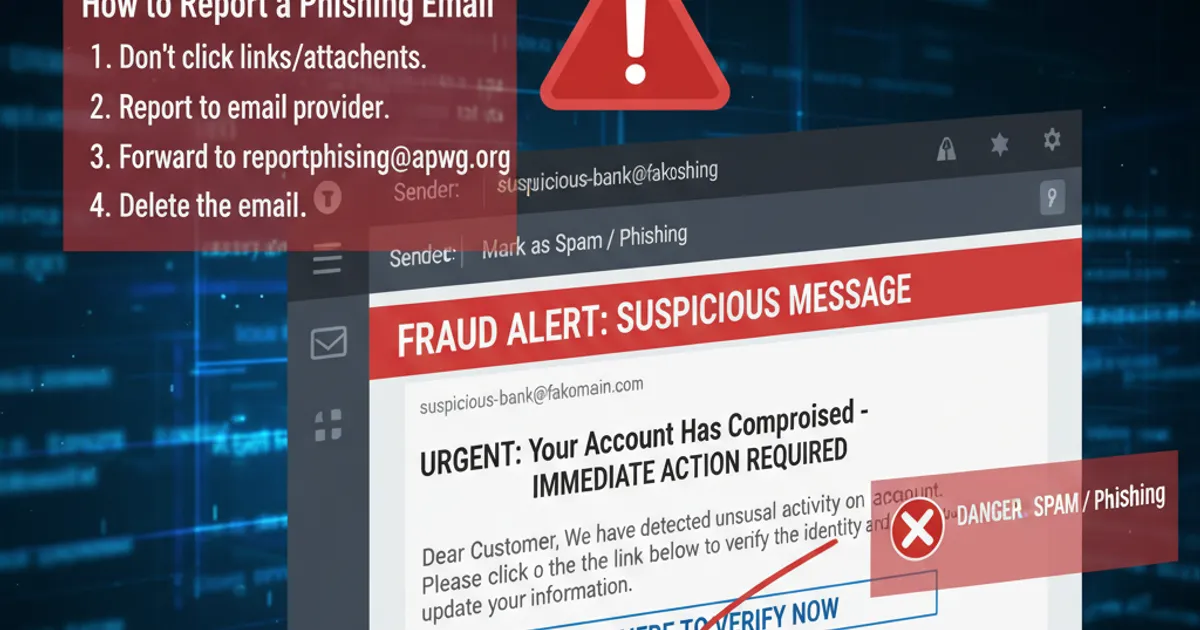

Take a breath. You're here because you think you've fallen for a scam email, and you're looking for help. That's the right move.
The fact that you're already searching for what to do puts you ahead of most people. Many victims freeze, or worse, do nothing and hope it'll be fine. You're being proactive, and that matters — because the next 30 minutes could make the difference between losing a few hours of hassle and losing thousands of pounds.
Let's fix this. Step by step.
⏱️ First: figure out what you gave away
What happens next depends on what you shared. Find your situation below and follow that section. If you're not sure, start from the top and work through everything.
🔴 Scenario 1: You entered bank or card details
Urgency: IMMEDIATE — do this right now
If you entered your card number, sort code, account number, or any banking details on a suspicious website, call your bank's fraud team immediately. Don't finish reading this article first. Call now, then come back.
24/7 fraud phone numbers for major UK banks:
| Bank | Fraud line | Notes |
|---|---|---|
| Barclays | 0800 400 100 | Option 1 for fraud |
| HSBC | 0800 783 7626 | 24/7 |
| Lloyds Banking Group (Lloyds, Halifax, Bank of Scotland) | 0800 020 4060 | 24/7 |
| NatWest / RBS | 0800 051 4065 | 24/7 |
| Santander | 0800 9 123 123 | 24/7 |
| Nationwide | 0800 030 4057 | 24/7 |
| TSB | 0800 096 8669 | 24/7 |
| Monzo | In-app chat → "Freeze card" | Or call 0800 802 1281 |
| Starling | In-app chat → "Freeze card" | Or call 0207 930 4450 |
| Revolut | In-app chat → "Freeze card" | No UK phone line — use app |
| Metro Bank | 0345 08 08 500 | 24/7 |
| Co-operative Bank | 0800 068 4141 | 24/7 |
What to tell them: "I've entered my card details on what I believe is a fraudulent website. I need to report potential fraud and freeze my card."
What the bank will do:
- Cancel your current card and issue a new one
- Check for any transactions you didn't authorise
- Open a fraud case
- In many cases, refund unauthorised transactions (especially if reported quickly — the faster you call, the better)
After calling the bank:
- Check your recent transactions carefully. Scammers sometimes test with a small transaction (£1-2) before making larger ones
- Watch for transactions over the next 2-4 weeks — some fraud isn't attempted immediately
- If money has already gone, the bank may be able to recall it, but speed matters
Can you get your money back?
Under the Payment Services Regulations 2017, UK banks are required to refund unauthorised transactions unless you were "grossly negligent." Being tricked by a convincing phishing email generally does NOT count as gross negligence. Most banks refund in full, especially if you report promptly. If they refuse, you can escalate to the Financial Ombudsman Service (financial-ombudsman.org.uk).
🔴 Scenario 2: You entered a password
Urgency: IMMEDIATE — within the next 10 minutes
Step 1: Change the password on that account. Right now. Go directly to the real website (type the URL yourself — don't use any link from an email) and change your password.
Step 2: Think about where else you've used that password. This is the critical part. If you used the same password on other accounts (be honest with yourself), change it on every single one of those accounts too. Start with:
Your email account — this is the master key. If a scammer has your email password, they can reset everything else.
Your bank's online banking
Any account with payment information (Amazon, eBay, PayPal)
Social media (Facebook, Instagram, etc.)
Everything else
Step 3: Enable two-factor authentication (2FA). After changing your passwords, turn on 2FA — at minimum on your email and banking. This means even if someone has your password, they can't get in without a code from your phone.
- Gmail:
myaccount.google.com/security→ 2-Step Verification - Outlook/Hotmail:
account.microsoft.com/security - Yahoo:
login.yahoo.com→ Account Security
Step 4: Check for damage.
- Email: Check Settings → Forwarding rules. Scammers often add a rule to forward your emails to themselves. Delete any forwarding rules you didn't create.
- Email: Check Sent folder for emails you didn't send
- Check account recovery options — make sure the scammer hasn't added their phone number or email as a recovery option
- Social media: Check for posts or messages sent from your account
Step 5: Set up a password manager. Now is the time. Using unique passwords for every account is the single best thing you can do. Bitwarden (free), 1Password, or Apple/Google's built-in password managers all work.
🟠 Scenario 3: You gave out personal information
Urgency: Within the next 24 hours
If you shared your name, address, date of birth, National Insurance number, or other personal details, the risk is identity theft — someone opening accounts, loans, or credit cards in your name.
Step 1: Register with CIFAS for Protective Registration CIFAS (Credit Industry Fraud Avoidance System) is the UK's fraud prevention service. Protective Registration adds a flag to your credit file that tells lenders to carry out additional checks before opening any new account in your name.
- Cost: £25 for 2 years
- Apply at:
cifas.org.uk/protective-registration - This is the single most effective thing you can do against identity fraud
Step 2: Check your credit reports Sign up for free credit monitoring so you'll be alerted to any new applications or accounts:
- ClearScore (
clearscore.com) — uses Equifax data, completely free - Credit Karma (
creditkarma.co.uk) — uses TransUnion data, free - MSE Credit Club (
moneysavingexpert.com/creditclub) — uses Experian data, free
Check all three, as different lenders report to different agencies. Look for any accounts, searches, or applications you don't recognise.
Step 3: Be alert for follow-up scams This is important and often overlooked. Once scammers have your personal details, they may use them in more targeted follow-up attacks:
- A phone call "from your bank" that knows your name, address, and date of birth (convincing because they already have your details)
- Emails referencing specific personal information to build trust
- Letters to your address with fake bills or payment demands
The rule: just because someone knows your personal details doesn't mean they're legitimate. Scammers now have that information.
If your National Insurance number was shared:
- Contact HMRC on 0300 200 3300 to report it
- Watch for any unexpected tax correspondence
- Consider registering for a Government Gateway account (if you don't already have one) so no one else can create one in your name
🟡 Scenario 4: You clicked a link but didn't enter anything
Urgency: Within the next few hours
If you clicked a link from a phishing email but didn't enter any information on the page, the risk is lower but not zero. Some phishing pages attempt to install malware through your browser.
Step 1: Run a malware scan
- Windows: Download and run Malwarebytes (free version) —
malwarebytes.com. Run a full scan. - Mac: Download and run Malwarebytes for Mac. Macs aren't immune to malware.
- Phone (Android): Run a scan with Google Play Protect (Settings → Security → Google Play Protect). Consider also running Malwarebytes for Android.
- Phone (iPhone): iPhones are more locked-down. If you didn't install anything, you're likely fine. If you installed a profile or app, see Scenario 5.
Step 2: Check your browser extensions Open your browser's extension/add-on page and look for anything you don't recognise:
- Chrome:
chrome://extensions - Firefox:
about:addons - Edge:
edge://extensions - Safari: Safari → Settings → Extensions
Remove anything you don't recognise or don't remember installing.
Step 3: Clear your browser data Clear cookies and site data for the past hour to remove any tracking the phishing site may have placed:
- Chrome: Settings → Privacy → Clear browsing data
- Firefox: Settings → Privacy → Clear Data
- Safari: Safari → Clear History
Step 4: Update your browser and operating system Make sure you're running the latest version. Updates patch security vulnerabilities that malicious sites can exploit.
🔴 Scenario 5: You installed something
Urgency: IMMEDIATE
If you downloaded and installed software from a scam email — a "viewer," "security tool," remote access app, or anything else — this is the most serious scenario.
Step 1: Disconnect from the internet. Turn off Wi-Fi. Unplug the ethernet cable. This stops the malware from sending your data out and prevents remote access.
Step 2: Do NOT enter any passwords on this device. If there's a keylogger installed, every keystroke is being recorded. Use a different device (your phone, a friend's computer) to change your important passwords.
Step 3: Run a malware scan (if possible). If you can run Malwarebytes in offline mode, do so. But if you're not confident in doing this yourself, go to Step 4.
Step 4: Get professional help. Take your computer to a reputable local IT repair shop or contact a trusted tech-savvy friend or family member. Tell them you may have installed malware from a phishing email. They may need to:
- Run comprehensive malware scans
- Check for remote access tools (TeamViewer, AnyDesk, etc.)
- In worst case, back up your files and do a clean OS reinstall
Step 5: Change ALL your passwords (from a different device). While your potentially compromised computer is being dealt with, use your phone or another computer to:
- Change your email password
- Change your bank password
- Change any other important passwords
- Enable 2FA on everything
If you installed a remote access tool specifically: Software like TeamViewer, AnyDesk, or similar tools gives scammers complete control of your computer. They can see your screen, move your mouse, open files, and access your banking. This is often used in "tech support" scams.
- Uninstall the remote access software immediately
- Change all passwords from a different device
- Check your bank accounts for unauthorised transactions
- Consider a full OS reinstall to be safe
📋 How to report it
Reporting matters — it helps authorities track scam operations and sometimes leads to takedowns.
Report to Action Fraud:
- Online:
actionfraud.police.uk - Phone: 0300 123 2040
- Scotland: Call Police Scotland on 101 instead
- They'll give you a crime reference number. Keep it — you may need it for bank claims.
Report the phishing email:
- Forward it to
[email protected](National Cyber Security Centre) - This helps them take down scam websites
Report scam texts:
- Forward to 7726 (free). Your mobile provider will investigate.
Report to your email provider:
- Gmail: Click the three dots → "Report phishing"
- Outlook: Click "Report" → "Phishing"
- Yahoo: Click "Spam" → "Report a phishing scam"
Report to the company being impersonated: Most major companies have a dedicated phishing reporting email:
- Amazon:
[email protected] - PayPal:
[email protected] - Apple:
[email protected] - Microsoft:
[email protected]
If you've lost money:
- Your bank should be your first call (see the fraud numbers above)
- If your bank doesn't refund you, contact the Financial Ombudsman Service:
financial-ombudsman.org.ukor 0800 023 4567 - Citizens Advice scam helpline: 0808 250 5050 (free, confidential)
🫂 One last thing: don't be too hard on yourself
Falling for a scam email doesn't mean you're stupid. It means you encountered a well-funded, professionally run criminal operation specifically designed to exploit human psychology. These aren't teenagers in basements — they're organised crime groups that steal billions globally every year.
The FBI's 2023 Internet Crime Report recorded $12.5 billion in losses from email-based fraud. Some of the smartest, most tech-savvy people in the world have been caught by phishing. The Arup engineer who transferred $25 million to scammers wasn't naive — he was in a meeting with convincing deepfakes of his own colleagues.
You noticed something was wrong. You searched for help. You're taking action. That's more than most people do.
Now go through the steps above, secure your accounts, and move forward.