
You trust your spam filter. Gmail, Outlook, whatever you use — it catches the obvious junk. Nigerian princes, miracle cures, obvious scams.
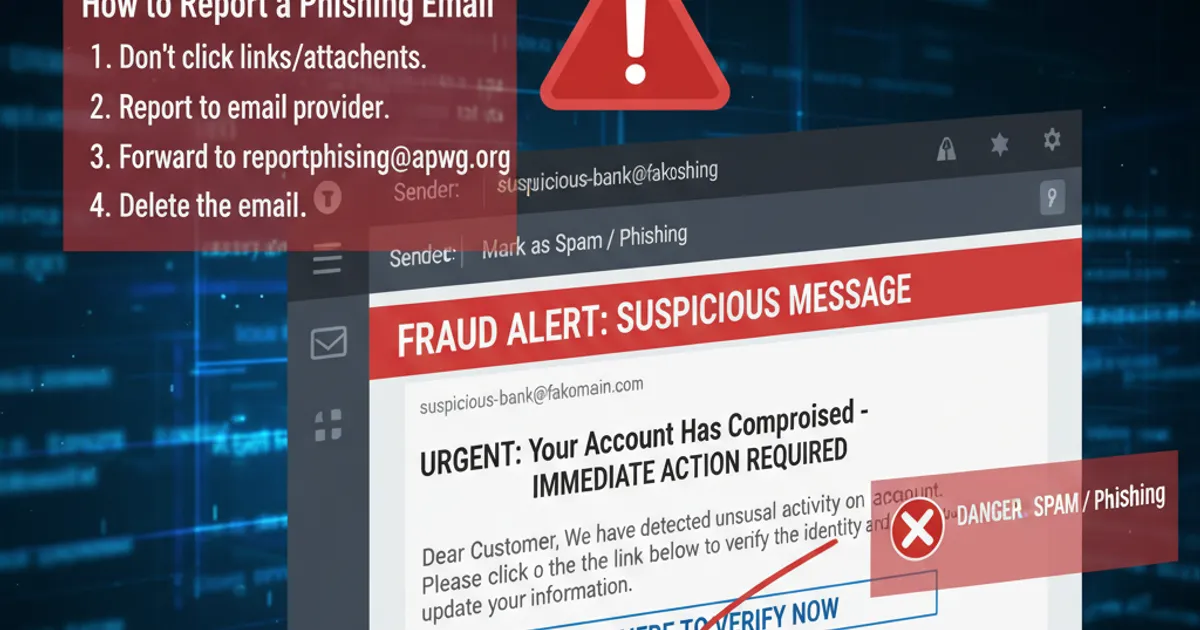
But that email pretending to be from your bank? The one about the suspicious transaction? That landed right in your inbox.
Here's why.
What Spam Filters Actually Catch
Modern spam filters are sophisticated. They use:
- Blacklists — known spam sender addresses and domains
- Pattern matching — common spam phrases and formats
- Reputation scores — sender history and domain age
- Technical signals — SPF, DKIM, and DMARC authentication
This catches most bulk spam — the millions of identical messages sent from compromised servers.
What Slips Through
Sophisticated scammers have adapted. Their emails:
1. Come from legitimate-looking domains They register professional domains, warm them up with normal email traffic, and pass authentication checks.
2. Avoid obvious spam triggers No "URGENT" in all caps. No promises of millions. Just calm, professional language that sounds like a real business.
3. Are sent in small batches Not millions at once — dozens or hundreds. Harder for pattern detection to catch.
4. Personalize the content They might use your name, reference recent news, or mention specific companies you use.
The Financial Scam Playbook
The most dangerous emails that bypass filters:
Invoice scams "Please pay this invoice" with a PDF attachment or link. Often targets businesses.
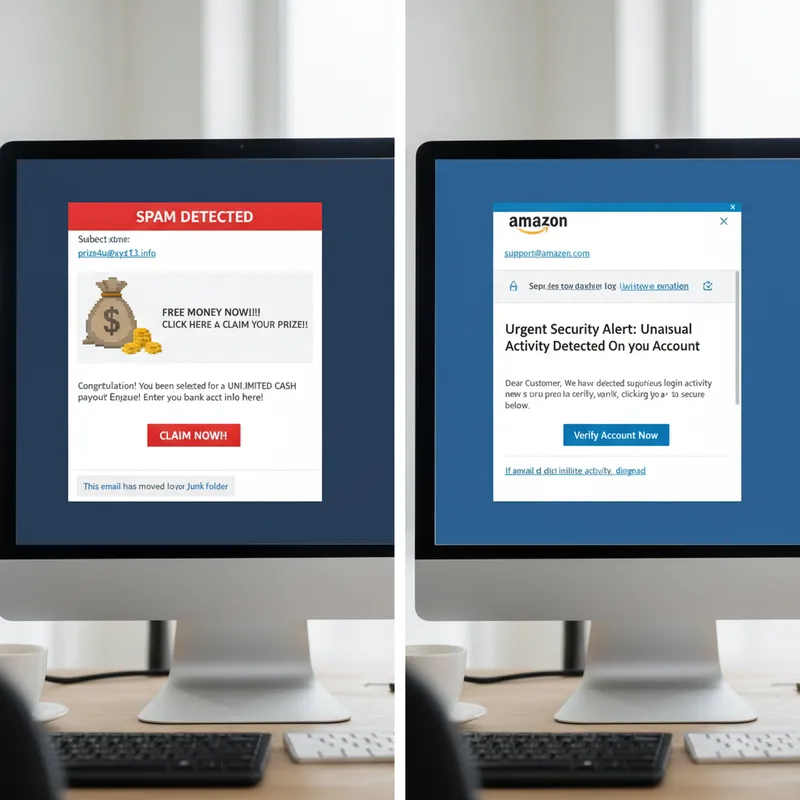
Bank impersonation "We detected suspicious activity on your account. Click here to verify."
Payment processor alerts Fake PayPal, Stripe, or Wise notifications about payments or refunds.
Tax authority threats "Your tax return has a problem. Respond immediately to avoid penalties."
CEO fraud Emails appearing to be from executives asking for urgent wire transfers.
These work because they look exactly like legitimate emails from these organizations.
Why Spam Filters Can't Catch Everything
Spam filters optimize for scale. They need to:
- Process billions of emails
- Make instant decisions
- Avoid false positives (blocking legitimate email)
Sophisticated scams are designed specifically to evade these checks. They look legitimate by every metric the filter uses.
How to Protect Yourself
Since spam filters aren't enough:
1. Assume your inbox is not safe Even filtered email can contain threats. Stay vigilant.
2. Verify financial requests independently Got an email about a payment? Call the company directly using a number you find yourself — not the one in the email.
3. Check the actual sender address Not the display name. The actual email address in the header.
4. Be suspicious of urgency Real banks rarely demand immediate action via email.
5. Use payment alerts Set up notifications for transactions so you know immediately if something's wrong.